Take a photo of your menu. Customers scan it at the table.
Easel types up every dish and price. You check it, then print one QR code for your tables.
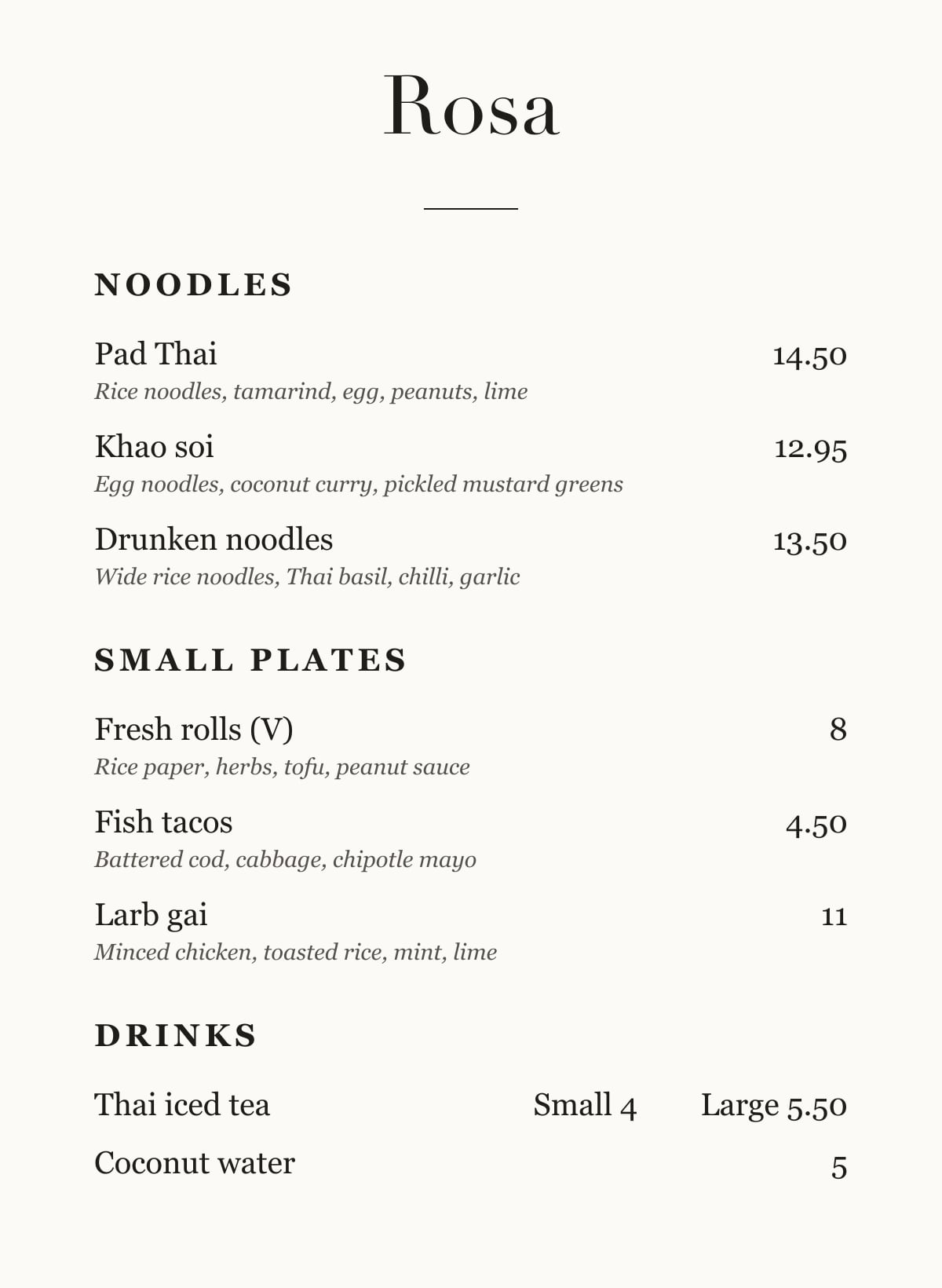
How it works
Step 1
Take a photo
One photo of each page of your menu. Easel types it up.
Step 2
Check it
Easel shows you anything it wasn't sure of. Tap the right one.
Step 3
Print your QR code
Put a card on every table. The code never changes, even when your menu does.
From a photo to a QR code.
Take a photo of your paper menu, and Easel's AI reads every dish while you watch. You check what it read, publish, and put the QR code on your tables.
Sold out of something? Switch it off.
It comes back on the menu by itself the next morning. Try it here.
Your phone
Pad Thai
Customers see: 14.50
Every table, at the same moment
Three looks. Your words in each.
Pick one when you publish. Change it whenever you like.
Clear
Clean and modern. Works for any restaurant.
Counter
Bold, with a color band on each section. Good for counters and quick service.
Newsprint
Classic, like a printed menu. Good for diners, tavernas and bistros.
Questions
- Is it free?
- Yes. You can make your menu, publish it and print your QR code for free.
- Do my customers need an app?
- No. They point their phone camera at the QR code and your menu opens.
- What if a price changes?
- Change it on your phone. Customers see the new price straight away, and your QR code stays the same.
- Will Easel change my wording?
- No. Every dish, price and description stays as your menu has it. You check each one before customers see it.
- What if I don't have a paper menu?
- Type your menu in, or take a photo of your menu board.
- Can I still print paper menus?
- Yes. Easel prints your menu and your table cards, so paper and phone always match.